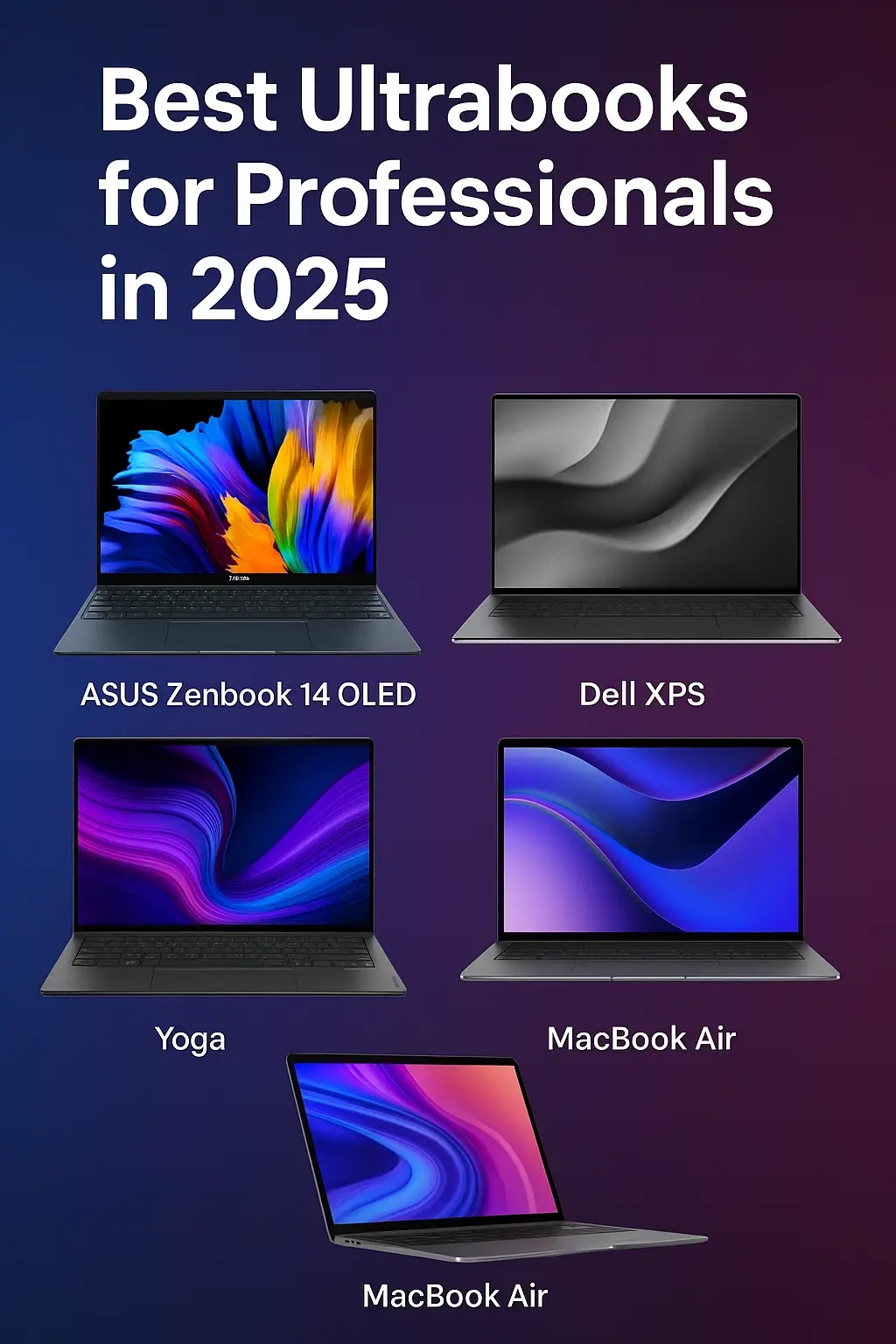
Best Ultrabooks for Professionals in 2025: Top Picks for Work & Travel

🚀 Why 2025’s Ultrabooks Shine for Pros
In 2025, ultrabooks have matured into powerful workhorses that weigh under 1.2 kg, sprint through your to-do list, and still last a full day on a single charge. From OLED panels to AI-enhanced features, these ultraportables blur the line between laptop and productivity companion.
💼 Thin, Light & Durably Built
- ASUS Zenbook 14 OLED (Q425M): 1.17 kg, 14 mm chassis
- Dell XPS 13 Plus: 1.2 kg, near-bezel‐less 13.4" form factor
- HP Elite Dragonfly G4: 0.99 kg, magnesium-alloy body
- Lenovo Yoga 9i Gen 8: 1.32 kg, 360° hinge
- MacBook Air 13 (M4): 1.24 kg, fan-less aluminum unibody
Built for frequent flyers, each model balances a premium feel with reinforced hinges and MIL-STD drop resistance.
🌈 Vibrant OLED & Retina Displays
- Zenbook 14 OLED: 2.8K, 400 nits, 100% DCI-P3
- XPS 13 Plus: 3.5K OLED, 600 nits
- Elite Dragonfly G4: 4K micro-edge, 500 nits
- Yoga 9i Gen 8: 3K OLED, 120 Hz
- MacBook Air 13 (M4): 2560×1664 Liquid Retina, True Tone
Deep blacks and punchy colors make every spreadsheet pivot or video conference pop.
⚙️ Performance & Productivity Boosts
- Zenbook: Intel Core Ultra 7 + Intel Arc GPU
- XPS 13 Plus: Intel Core Ultra 5 + Thunderbolt 4
- Elite Dragonfly G4: Intel Core Ultra 7 + AI accelerators
- Yoga 9i Gen 8: Intel Core i7-1360P + stylus support
- MacBook Air 13: Apple M4 SoC + macOS Ventura
Expect instant app launches, on-device AI features like dictation and summarization, and fast NVMe SSDs up to 2 TB.
🔋 All-Day Battery Life
- Zenbook 14 OLED: ~14 hrs
- XPS 13 Plus: ~15 hrs
- Elite Dragonfly G4: ~18 hrs
- Yoga 9i Gen 8: ~12 hrs
- MacBook Air 13: ~17 hrs
Rapid-charge options refill 50% capacity in under 30 minutes—plenty of juice for back-to-back meetings.
🔒 Business-Grade Security & Durability
- TPM 2.0, fingerprint readers, IR cameras
- Physical webcam shutters on Zenbook & Elite Dragonfly
- Mil-STD 810H tested against drops and vibration
- Windows Hello & Apple Touch ID for one-tap login
🆚 Competitor Comparison
| Model | Display | Weight | Battery | Price (USD) |
|---|---|---|---|---|
| ASUS Zenbook 14 OLED | 2.8K OLED | 1.17 kg | 14 hrs | $1,199 |
| Dell XPS 13 Plus | 3.5K OLED | 1.20 kg | 15 hrs | $1,299 |
| HP Elite Dragonfly G4 | 4K UHD | 0.99 kg | 18 hrs | $1,749 |
| Lenovo Yoga 9i Gen 8 | 3K OLED | 1.32 kg | 12 hrs | $1,499 |
| MacBook Air 13 (M4) | Retina | 1.24 kg | 17 hrs | $1,099 |
Full spec breakdown and detailed reviews linked below:
👍 Pros & Cons
- Pros: Featherweight, stunning displays, long battery life, premium security features.
- Cons: Limited RAM upgrade options, fewer legacy ports, premium price tags.
🎯 Who Should Buy One?
If you’re a road warrior, content creator, or hybrid professional craving a laptop that stays light in your bag but heavy on performance, these ultrabooks deliver. Power users who need discrete GPUs or massive RAM may still prefer workstation laptops.
🧠 Frequently Asked Questions
- What makes an ultrabook ideal for professionals?
- An ideal ultrabook blends a lightweight design, long battery life, fast performance, and robust security to tackle demanding workflows.
- Can I upgrade RAM on these ultrabooks?
- RAM is soldered to save space and weight. SSDs are often user-replaceable via service panels, but memory upgrades aren’t supported post-purchase.
- Which ultrabook has the best battery life?
- The HP Elite Dragonfly G4 leads with up to 18 hours in everyday use, followed closely by the Dell XPS 13 Plus.
- Are ultrabooks suitable for video editing?
- They handle basic video edits well, especially on OLED screens. For 4K timelines and heavy rendering, consider a dedicated mobile workstation.
- Do these ultrabooks support Linux?
- Most run major Linux distributions. Dell offers official Ubuntu support on the XPS line for hassle-free setup.
Comments (0)
Please login or create an account to post a comment.
No comments yet. Be the first to comment.